
Zoho CRM Setup & Migration
Your pipeline, contacts and history moved into Zoho CRM in the order your salespeople actually touch them.
Scope a migration ↗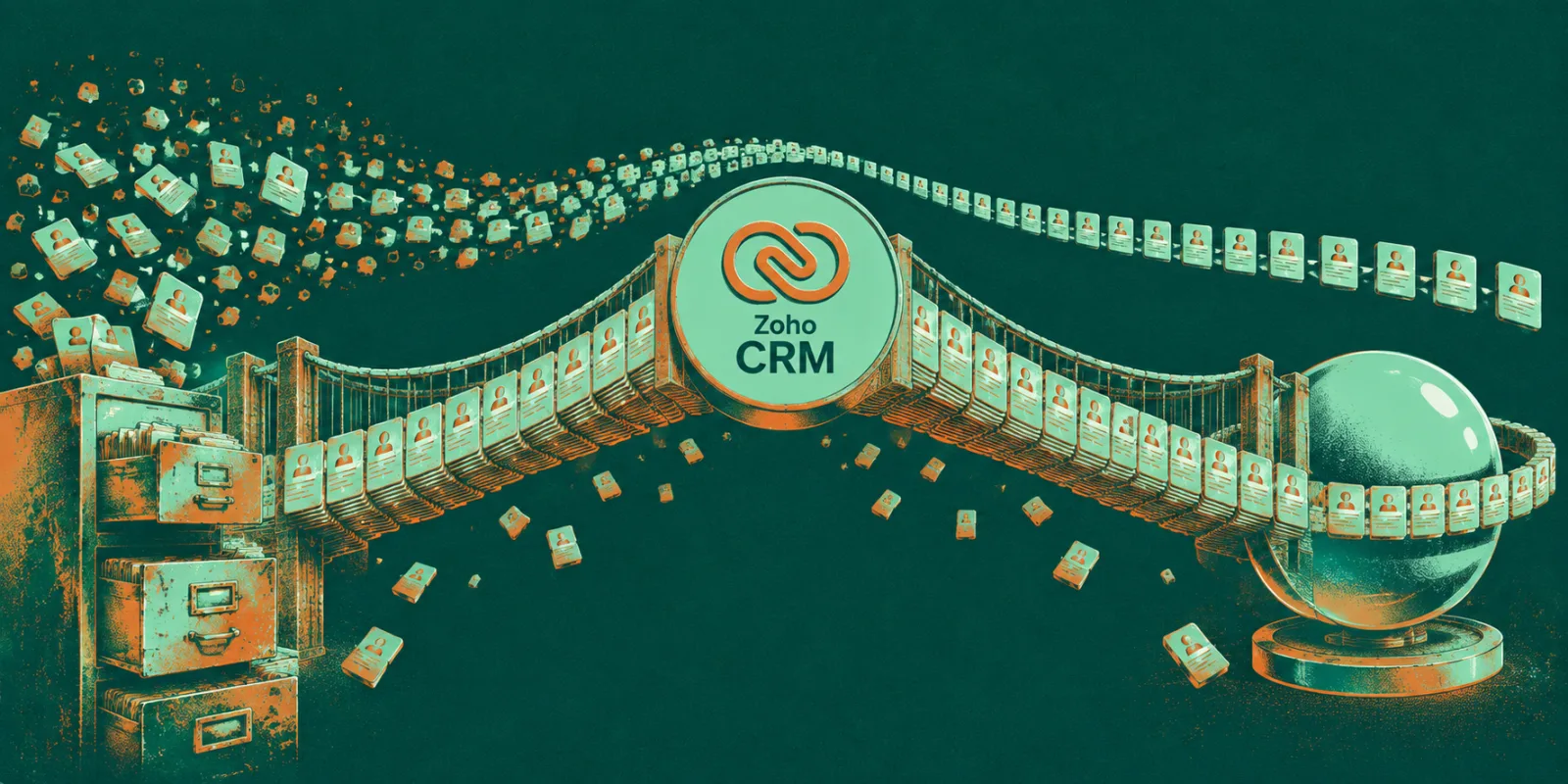 Built on Zoho’s own platform, not a workaround
What does a Zoho CRM migration involve?
A CRM migration is two jobs wearing one name. The first is mechanical: extracting accounts, contacts, deals, notes, emails and attachments from Salesforce, HubSpot or a shared spreadsheet, mapping every field to its new home, and proving nothing fell out. The second is harder — deciding what your pipeline stages actually mean now, rather than importing a stage list somebody invented four years ago.
We migrate in the order people touch the data: contacts and open deals first, because those are needed on Monday morning; closed history and attachments after, because nobody blocks on a 2019 note. Duplicates get resolved before the load, not after, since a merged record is cheap in a staging file and expensive once reps have added their own notes to both copies.
What the migration covers
Field mapping document
Every source field listed against its Zoho destination, with the ones we’re deliberately dropping called out for you to approve before anything moves.
Deduplication pass
Fuzzy matching on email, domain and company name to collapse the same account entered four ways. You get the merge list to review, not a silent cleanup.
Pipeline design
Stages defined by an observable event rather than a feeling — “proposal sent”, not “warm”. Usually this means fewer stages than you had.
History and attachments
Notes, logged calls, email threads and files brought across and reattached to the right record, so nobody has to keep the old system open to answer a question.
Roles, views and layouts
Permissions, territory rules and the list views each role opens first, so reps see their own pipeline rather than a wall of everything.
Adoption plan
One hour of training per role, a one-page cheat sheet, and a 30-day check on whether deals are actually being updated in the system.
How a CRM migration runs
Audit the source
We pull a full export and count what’s really there — empty fields, duplicates, deals with no owner. This is usually the first honest picture anyone has had of the data.
Design fields and pipeline
Field mapping and stage definitions agreed in writing with the sales lead, including what we’re dropping and why.
Dry run into a sandbox
A complete load into a test org, reconciled record by record. We expect to run this two or three times before the numbers are clean.
Cut over and run parallel
Live load over a weekend, then a fortnight where the old system stays readable so anyone can check a figure without panic.
Review at 30 days
We look at what fields are actually being filled in and cut the ones nobody uses, rather than leaving a form people resent.
Zoho CRM FAQ
Most land between $6k and $20k, driven almost entirely by data condition rather than record count — 40,000 tidy rows from HubSpot is cheaper than 4,000 rows across eleven spreadsheets. We price after the source audit so the number isn’t a guess.
The tools we build with
The heavy lifting happens outside the CRM in scripts we can re-run, because a migration you can only do once is a migration you’ll get wrong.
CRM core
 Zoho CRMZoho OneZoho Desk
Data work
 Python
 Pandas
 PostgreSQL
Automation
Zoho FlowDeluge Zapier
Reporting & compliance
Zoho Analytics MetabaseGDPR
Related work



Related reading


Sitting on a CRM nobody updates?
Send us an export of what you have now. We’ll tell you what state the data is really in and what a clean migration would cost.